
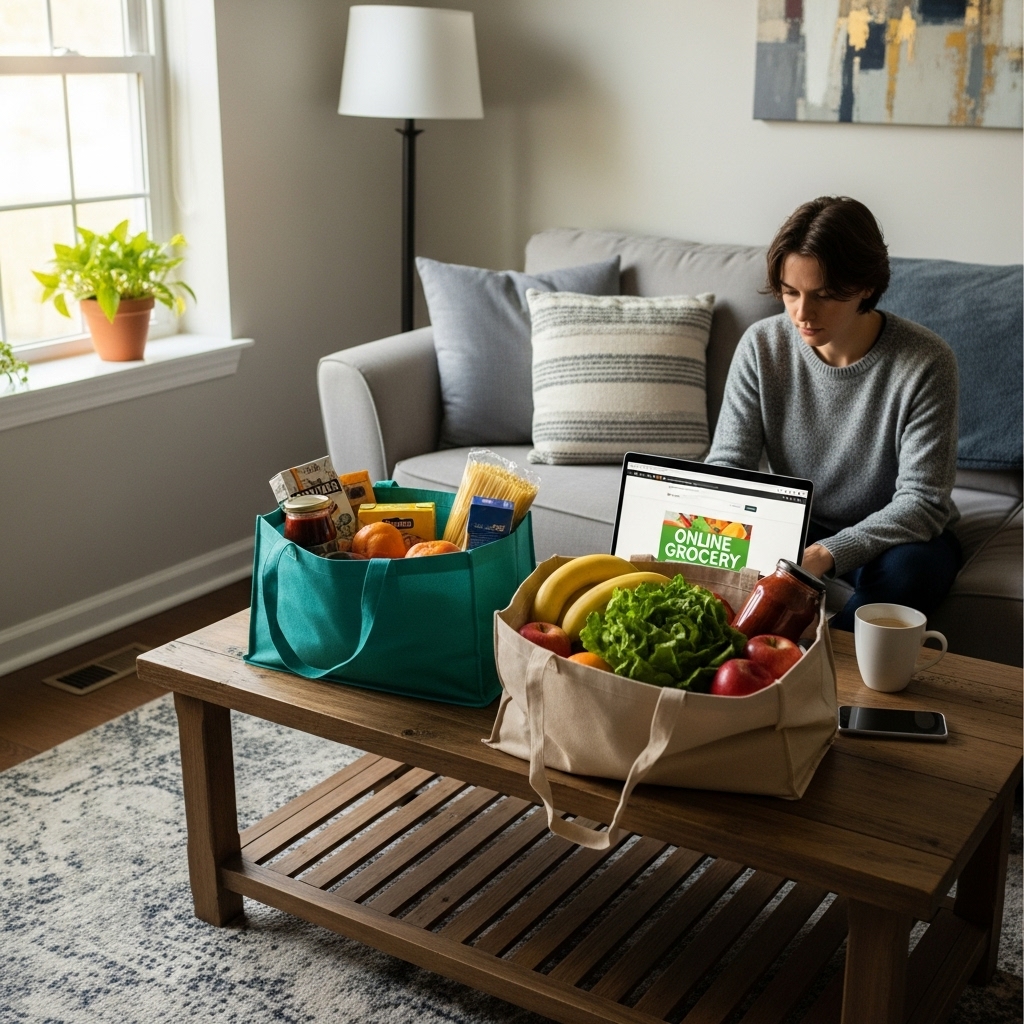
Online grocery shopping in Naperville has moved from a convenience to a habit for many of us. Between commuting, school activities, and the rhythm of our seasons, being able to fill a cart from the couch and schedule pickup or delivery is a gift. But not all online systems are created equal, and a smooth experience hinges on understanding how the process works, what to expect from substitutions, and how to communicate with the in-store shoppers who are picking your items. Over time, you can build a routine that feels as personal as walking the aisles yourself, while still capturing the time savings that make online ordering so appealing.
The process begins with your account and preferences. Once you log in and set your address, the storefront adapts to your local inventory, surfacing items that are genuinely in stock and flagging products that may be limited. Start by building a base cart of staples—your go-to milk, eggs, greens, and pantry essentials—then add seasonal items and ingredients for specific meals. The best systems make it easy to repeat past orders or copy a prior cart, which saves time and ensures you do not forget the everyday items that keep the week running smoothly. If you are planning around features and store highlights, consider a quick look at the current weekly deals so those ideas can guide your selections.
Choosing pickup or delivery
In Naperville, pickup tends to be the most flexible option for busy households. You choose a time window, drive to a designated area, and an associate loads your order directly into your car. Delivery is equally straightforward, especially if your schedule is packed or you are caring for little ones at home. The key is selecting a window that fits your day. Morning slots can work well for fresh produce and bakery items, while afternoon windows might align with the end of your work-from-home schedule. If you plan to cook dinner with your order, try to leave a buffer for unexpected shifts so you are not rushing when the bags arrive.
Communication is the thread that holds the experience together. During checkout, most platforms allow notes on individual items. Use them. If you like firm avocados that ripen in a day or two, say so. If you want bananas with a little green on the ends, note it. The more specific your preferences, the easier it is for the in-store shopper to get it right. Good teams appreciate the guidance; it takes the guesswork out of picking and results in a basket that feels truly yours.
Substitutions done well
Even with careful inventory, substitutions happen. The difference between a frustrating experience and a satisfying one is clarity. Set your substitution preferences item by item. If a certain yogurt flavor is essential, mark it no substitutions. For pantry staples, allow close alternatives. When the shopper reaches out—often by text or through the app—respond quickly so decisions do not stall the order. When both sides communicate, you end up with substitutions that make sense for your meals rather than random stand-ins.
Produce selections often cause the most anxiety for people who are used to choosing fruit and vegetables by hand. Here, notes are especially useful. If you want tomatoes for slicing rather than salad, mention it. If your recipe needs ripe peaches for a dessert tonight, say exactly that. Over time, as you repeat orders and the store learns your preferences, you will notice more consistency and fewer surprises. Many Naperville shoppers find that the relationship with their regular in-store shopper becomes a quiet advantage, especially for items that can vary in ripeness and size.
Packaging and freshness
Thoughtful packing keeps your groceries in good shape. A good team separates delicate items from heavier ones, shields herbs and greens, and keeps tomatoes and stone fruit on top. Cold items are kept together, and hot items arrive warm when applicable. If you have special requests—such as minimal plastic or double-bagging for heavier jars—use the notes section at checkout. The best stores treat packing as part of quality control, not an afterthought.
On arrival, take a moment to review your order. Check produce for ripeness and condition, glance at expiration dates on dairy, and make sure any special requests were followed. If something is not right, contact support quickly. Responsive teams will make it right, and your feedback helps refine future orders. The goal is not just a one-off fix but a system that learns from each interaction.
Time-saving strategies
Online ordering shines when you leverage it to reduce errands and decision fatigue. Save custom lists for your household’s different needs—weekday breakfasts, weekend grilling, or a simple soup night. Reuse those lists with small tweaks each week. If you cook seasonally, anchor your recipe choices to what is particularly abundant and flavorful, and let a scan of the store’s weekly deals nudge you toward ingredients that are shining right now. This approach not only saves time but tends to result in better-tasting meals.
Scheduling also matters. Popular pickup and delivery windows go fast during busy weeks, especially before holidays or when weather turns. If your schedule is predictable, book your slot a day in advance. If not, check back periodically; stores often release additional windows as staffing shifts or orders are completed ahead of schedule.
Local nuance matters
Naperville’s neighborhoods are diverse, and that shows up in our grocery carts. One of the joys of online ordering is discovering items you might have skipped in person. Specialty herbs, a new variety of apple, or a regional bread can pop up as recommendations based on your past choices. Treat these as inspiration rather than noise. Over time, your online storefront becomes a reflection of your kitchen, amplifying what you love and streamlining the rest.
Another local nuance is weather. After a cold snap or a sudden warm spell, produce availability and quality can shift. When you place an order during these swings, a quick note to the shopper—asking for the best-looking greens or a particular crispness in apples—can compensate for the variability. You might even discover a new favorite when your shopper suggests a close alternative that looks exceptional that day.
From cart to kitchen
When your order arrives, unpack with a little intention. Move cold items to the refrigerator right away, stand herbs in a jar with water, and give berries a quick rinse and dry before storing. If you requested ripe fruit for today, make a plan to use it promptly and enjoy the peak flavors. Put pantry items in their regular spots, and glance at your meal plan to confirm the week still fits your schedule. Online ordering frees time, but a few minutes of organization keeps that time from evaporating later.
As you settle into a rhythm, you may find that online ordering does more than save minutes—it creates a calmer week. You can pre-plan school lunches, carve out a night for a simple pasta with sautéed greens, or keep a weekend breakfast tradition going without a last-minute dash to the store. The cart becomes a quiet organizing tool for your household, tied to the rhythm of Naperville life.
FAQ
How can I make sure produce is picked the way I like it? Use item notes to specify ripeness and size, and mention how you plan to use the item. Over time, the in-store shopper learns your preferences, and consistency improves.
What should I do if an item is out of stock? Set clear substitution rules. For essentials, allow a close match; for must-have items, choose no substitutions. Respond quickly to messages from the shopper so decisions can be made in real time.
Is pickup or delivery better in Naperville? Both work well; pickup offers flexibility if you are out and about, while delivery is ideal when time is tight at home. Choose the window that fits your day and leave a small buffer to avoid stress.
How do I save time week after week? Save templated lists for recurring needs, repeat past orders with edits, and let the store’s highlights or the posted weekly deals guide your seasonal choices. Small routines add up to big time savings.
What if something in my order is not right? Contact support quickly. Most issues are resolved promptly, and your feedback helps the team refine future orders for you and other customers.
If you are ready to streamline your week, set up your preferences, choose a pickup or delivery window, and try a first order built around simple meals. Before you check out, take a moment to review the current weekly deals so your cart reflects what is freshest right now. With a few thoughtful notes and a steady routine, online ordering can feel as personal as shopping in person—without the time crunch.